How to write family AI rules with your child before the holidays
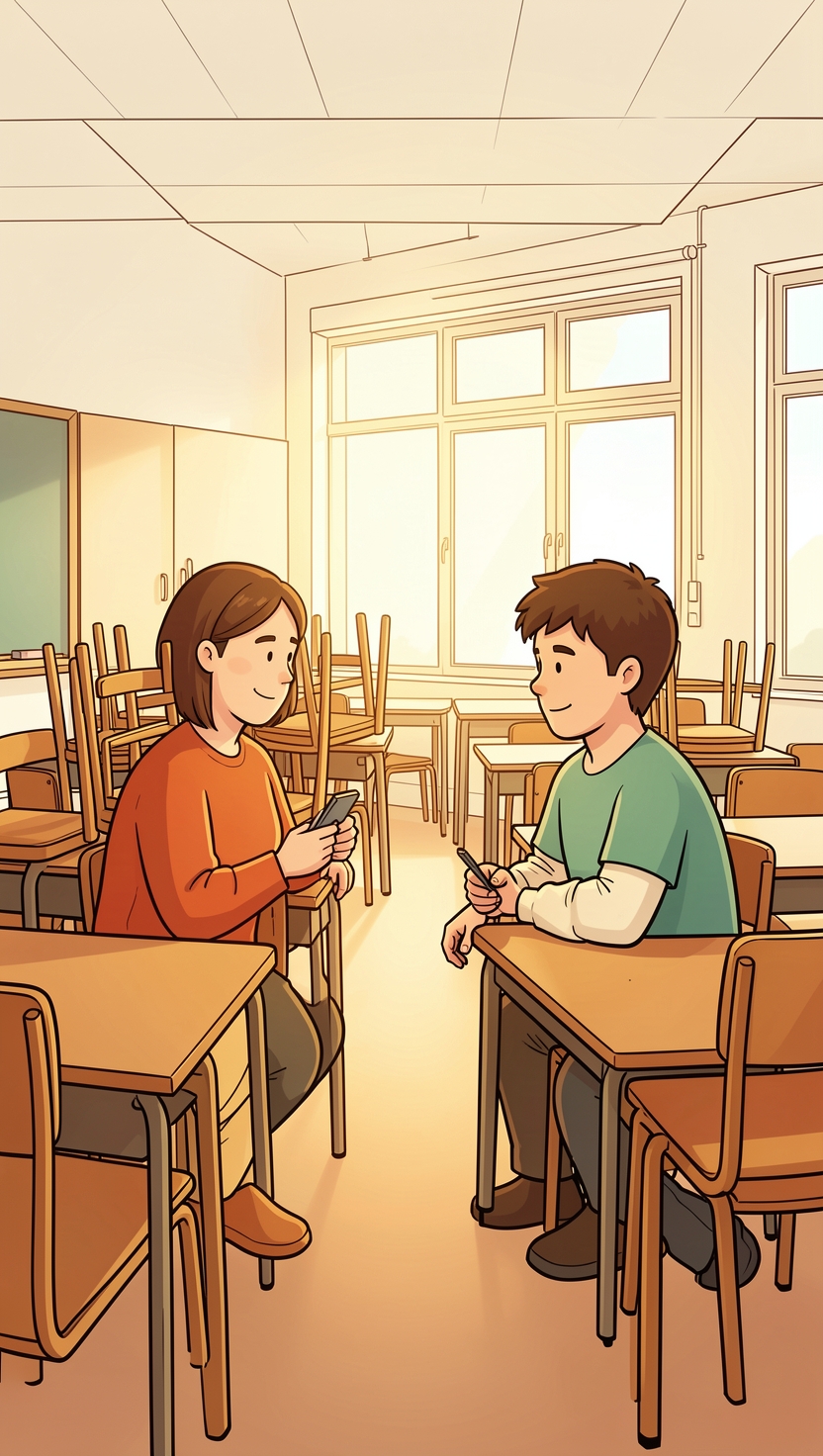
For most of the year, someone else decides how your child uses AI. The Ministry of Education told Parliament in May that schools will not set Primary 1 to 3 pupils any work that requires them to use AI directly, and that from Primary 4 children use only tools “specifically designed for education”, under teacher supervision. Those are firm rules with a teacher standing behind them.
Then the school year ends on Friday 20 November, and for most primary and secondary pupils the holidays run from 21 November to 31 December, according to MOE’s 2026 calendar. Six weeks. No teacher supervisor. Whatever rules exist about AI at home are the ones you write.
Most families never write them down. Here is a way to do it in about half an hour, with your child in the room, and with a chatbot doing the boring part.
Ten minutes on paper first
Before anyone opens a screen, sit down with a sheet of paper and ask your child three questions. Write down their answers in their words, not yours.
- What do you use AI for now? (Include the things that do not look like AI: voice assistants, the AI answer at the top of a search, the helper inside a game.)
- What would you like to use it for these holidays?
- What is one thing you think AI should not do for you?
The third question is the one that matters. An answer like “it shouldn’t write my diary” is sharper than most rules adults come up with, and a rule they proposed is a rule they will defend.
Let the chatbot interview you
Now open ChatGPT or Gemini on your own account, with you at the keyboard. If your child is under 13 and you want them to use Gemini on their own account later, Google says a parent must switch it on first through Family Link. For tonight, though, the adult types.
Paste this, filling in the age:
Help my family write a one-page AI agreement for a child aged [age] for the six-week school holidays. Ask me one question at a time and wait for my answer. Ask no more than six questions. Cover: what AI is for in our house, what it is not for, when and where it is used, what stays private, what to do if it gets something wrong or says something worrying, and what the grown-ups promise. Then write the agreement in short sentences a [age]-year-old can read, under 200 words, with one section for the child and one for the parents.
Read each question out loud and let your child answer first. Use the notes from your paper. Do not type your child’s name, school or address; the agreement does not need them, and that habit is half the point.
What you should see is a question, then a pause for your reply. If the chatbot rushes ahead and produces a full agreement straight away, type: “Stop. Go back and ask me one question at a time.” It is a small lesson in itself. Your child watches you tell a machine how to behave, and watches it comply.
Edit until your child can explain every line
When the draft arrives, read it together and cross out anything your child cannot explain back to you in their own words. A rule they cannot explain is decoration.
Then check that four lines survived, because they are the ones the companies and safety groups themselves keep repeating. Google’s own guide for parents of children using Gemini asks you to remind them that Gemini “isn’t a person” and “should not be treated as a friend or used to discuss personal problems or secrets”; not to share things like their “address, school name, or family information”; and to double-check answers, since it “can hallucinate and present inaccurate information as factual”. The Family Online Safety Institute’s agreement for children 13 and under adds the fourth: tell a grown-up if anything an AI says worries you.
If any of the four is missing, add it by hand. If the double-check rule feels abstract, our piece on teaching kids to fact-check AI has four habits that make it concrete.

Put a number on it
Holidays are where vague rules die. “Not too much” means nothing by the second week of December.
The Ministry of Health gave families a number in January 2025. For children aged 7 to 12, Health Minister Ong Ye Kung said, “the limit is two hours outside of school, unless it is related to schoolwork.” The Health Promotion Board publishes a screen use tracker for this age group on IMDA’s Digital for Life site if you want a simple way to keep count.
The awkward part is deciding which side of that line a chatbot falls on. Our view: chatting with AI for fun counts as recreational screen time, the same as a game. Using it to work through actual holiday homework counts as schoolwork, but only while it is the homework. Write whichever rule you choose into the agreement, so nobody has to argue about it on day 12.
The parents’ half is not optional
The FOSI template is worth borrowing from here, because it gives the adults their own list. Two of its promises are blunt: “Model good digital habits”, and keep learning alongside your child, being “willing to say ‘I don’t know’ and find out together.”
That second one suits AI particularly well. You will not know how every new tool works. Saying so, and finding out with your child at the table, teaches more about judgement than any rule on the fridge.
Both of you sign it. Then fill in the line most families skip: a review date. Put it in the last week of December, before school starts again, and ask one question when you get there. Which rule did we actually keep, and which one did we quietly drop? The dropped one tells you what to rewrite for next year.
A note on our interest: Mentus AI makes an AI mentoring app for children, so we benefit when families use AI well. Nothing in this agreement needs our product, and it works with any chatbot you already have.
Was this useful?
Sources
- School Terms and Holidays for 2026 · Ministry of Education, Singapore
- AI Usage in Schools (parliamentary reply, 6 May 2026) · Ministry of Education, Singapore
- Opening remarks by Mr Ong Ye Kung, Minister for Health, at the press conference on Grow Well SG, 21 January 2025 · Ministry of Health, Singapore
- Screen Use Tracker (7-12 years old) · Health Promotion Board, via IMDA Digital for Life
- Guide your child's Gemini Apps experience · Google
- Family Online Safety Agreement, Ages 13 and Under · Family Online Safety Institute