Quick, Draw! The doodle game that shows how AI learns
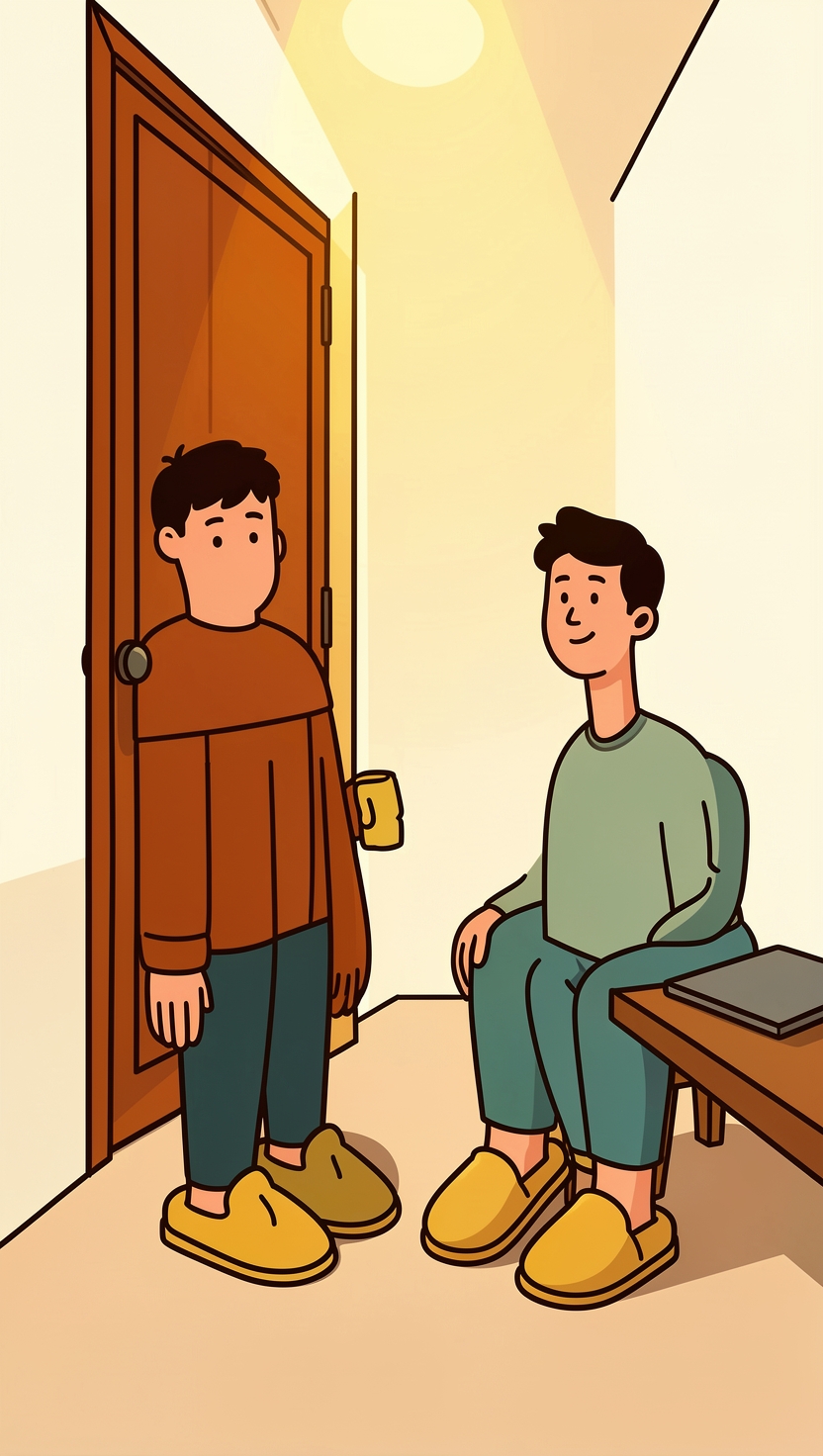
Your child draws a wobbly cat. Before the 20 seconds are up, a computer says “cat”. They are delighted. Then they draw a shoe, a perfectly good shoe, and the computer has no idea.
That second moment is the better one. It is also the cheapest AI lesson you will find this week, because the game is free and runs in a web browser.
What the game is
Quick, Draw! is a small Google experiment. Its own description is refreshingly modest: “You draw, and a neural network tries to guess what you’re drawing. Of course, it doesn’t always work.” You are given a word, you have under 20 seconds to doodle it, and the machine tries to name it before the time runs out.
It has been running for years and it has been very popular. In a 2017 post, Google researchers wrote that the game had “resulted in 800 million drawings from twenty million people in 100 nations”. Google then released 50 million of those doodles, across 345 categories, as a free public dataset under a Creative Commons licence. Each drawing is stored as the strokes you made, plus a little metadata: the word you were asked for, whether the game recognised it, when it was drawn, and a two letter code for the country the player was in.
So when your child plays, they are not only being judged by an AI. They are looking at one that was built out of millions of other people’s doodles, quite possibly including some from your own street.
How to play it as a family
This takes about fifteen minutes in any web browser.
- Open quickdraw.withgoogle.com and press Let’s Draw!
- You get a word and a 20 second timer. Draw it. The trick is to notice how quickly it gets it, not just whether.
- When the round ends, tap any of your drawings. The game tells you either “You drew this, and the neural net recognized it” or “You drew this, and the neural net didn’t recognize it”, and shows you what else it thought your drawing looked like.
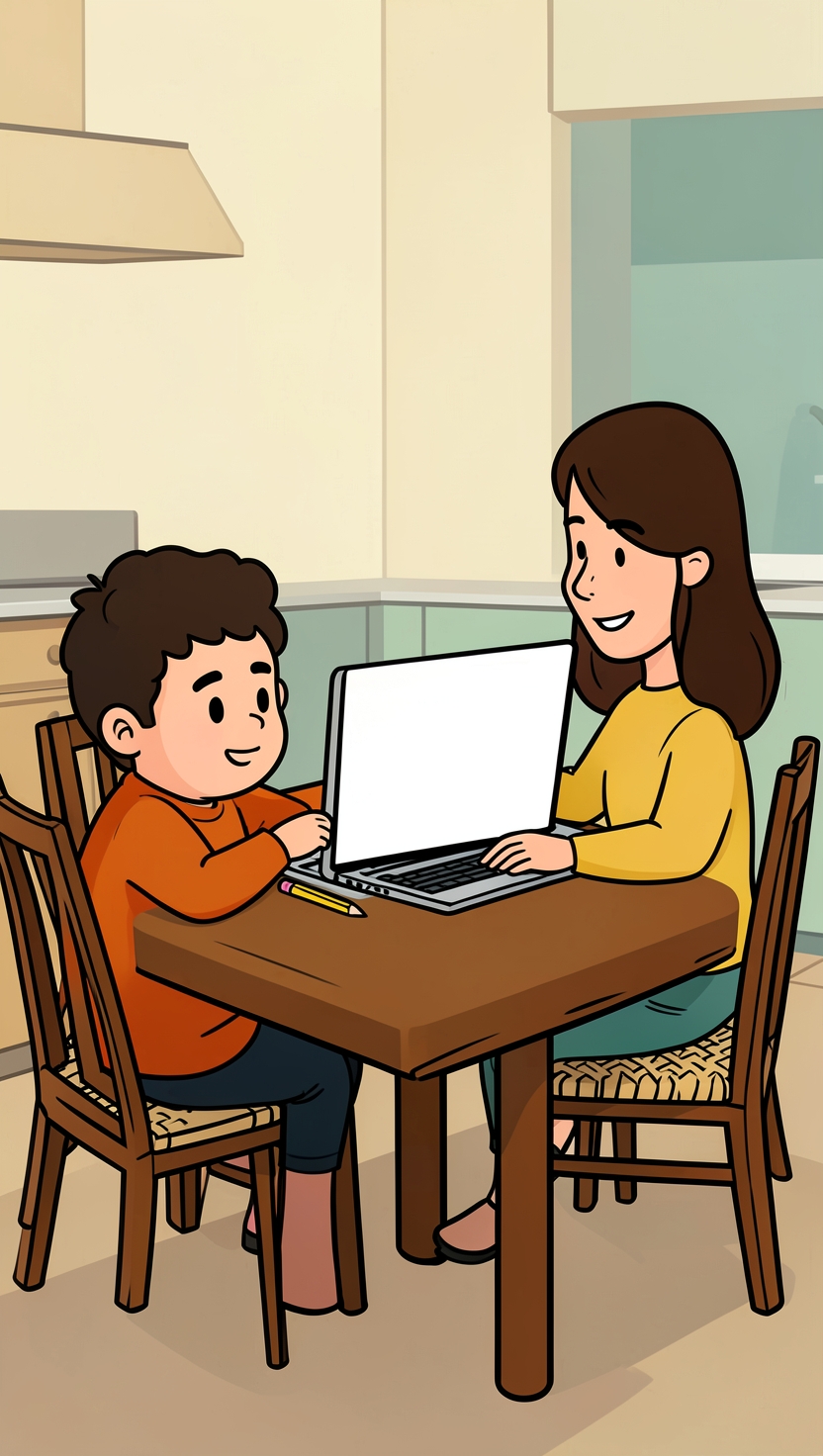
- Take turns. One person draws, everyone else guesses out loud before the machine does. See who wins on the weird ones.
- Finish on the data page, quickdraw.withgoogle.com/data, which asks “What do 50 million drawings look like?” Pick a drawing and browse what other players made.
Step 3 is where the learning is. “It thought your cloud was a sheep” is a far better conversation starter than a score.
Why it couldn’t see the shoe
Here is the part worth telling your child, because Google’s own researchers found it.
When the Google team looked at more than 115,000 drawings of shoes in the dataset, they found that “a single style of shoe, which resembles a sneaker, was overwhelmingly represented.” The result: “Because it was so frequently drawn, the neural network learned to recognize only this style as a ‘shoe.’” Draw a slipper, a sandal or a high heel and you are drawing something the AI has barely seen.
The same post noted that chairs were drawn “facing forward or sideways, depending on the nation or region of the world”, that mug handles “pointed in opposite directions”, and that the faces people drew were “overwhelmingly representative of the United States and European countries.” The researchers’ own conclusion was that “one size does not fit all”.
That is the whole idea of training data, in a game a seven year old can play. The AI is not wrong about shoes because it is stupid. It is wrong because most of the people who taught it drew the same kind of shoe. If we want a child to understand why a chatbot sometimes gets things confidently wrong (we wrote about that here), this is a gentle place to start: what goes in decides what comes out.
Try to stump it on purpose
Once the basic game wears off, turn it into a challenge. A few that work well:
- Draw it the way you see it. School shoes, slippers by the door, the chair at your dining table. Does it still guess?
- Draw it the slow way. Add lots of detail and see whether that helps or hurts. Remember what it learned from: millions of people racing a 20 second clock.
- Draw it backwards. Start with the part people usually draw last. The dataset stores each drawing as the strokes people made, so it is a fair question whether order matters. Find out.
There is a lovely follow-on for older children too. In 2017, two researchers, David Ha and Douglas Eck, used these doodles to train sketch-rnn, which they described as a network “able to construct stroke-based drawings of common objects.” In other words, an AI that learned to doodle by watching people doodle. If your child enjoyed fooling the guesser, the next step is to build a recogniser of their own, which is exactly what our Teachable Machine guide walks through.
One thing to know before you press play
The game says plainly that it uses your drawings to “help teach it”, adding them to “the world’s largest doodling data set, shared publicly to help with machine learning research.” The doodles are stored with a country code rather than a name, but they are shared. The dataset’s own documentation also warns that, although each drawing was moderated, the collection “may still contain inappropriate content”, so sit with younger children if you go browsing the raw data rather than the curated page.
None of that is a reason to skip it. It is a reason to say it out loud: “your cat is going into the pile that teaches the next version.” That one sentence explains training data better than most textbooks, and it comes with a drawing of a cat.
Was this useful?
Sources
- Quick, Draw! · Google Creative Lab
- Quick, Draw! The Data · Google Creative Lab
- The Quick, Draw! Dataset (documentation) · Google Creative Lab on GitHub
- Exploring and Visualizing an Open Global Dataset · Google Research
- A Neural Representation of Sketch Drawings · arXiv (David Ha and Douglas Eck)