Gemini is on by default in Google Classroom for under-18s

You will not get an email about this one.
From today, 10 August 2026, Google is making Gemini available inside Google Classroom to students of every age, not just the over-18s it was previously limited to. The rollout notice went up on Google’s Workspace Updates blog, aimed at the people who run school IT systems. The wording is dry: “Starting August 10, 2026, Gemini in Classroom will also be made available to K-12 and higher education students of all ages who have already been granted access to Gemini in Classroom, Gemini and Gemini Notebook by their admin.” Web from today, mobile from 17 August, for schools on the Education Fundamentals, Standard and Plus editions.
What a student gets is a Gemini tab sitting next to their coursework, able to turn their own class materials into flashcards, practice quizzes and study guides.
The sentence that matters is about defaults
Buried in the same notice: “Access to the Gemini tab in Classroom is On by default for teachers and students of all ages.”
Read that carefully, because it inverts the usual shape of a child-safety setting. If a school has already switched on Gemini in Classroom for its domain, under-18 students are now included automatically. To exclude them, an administrator has to do work: build an organisational unit containing only the under-18s and turn access off for that group. Chrome Unboxed, reporting the change on 6 August, put it plainly, noting that the feature does not default to restricted for minors.
It is worth sitting with how far this has moved. In May 2024, on its own blog, Google wrote: “Gemini is currently not available to people under 18 while using their Workspace for Education account.” Two years and three months later, the same company ships it on by default to the same age group.
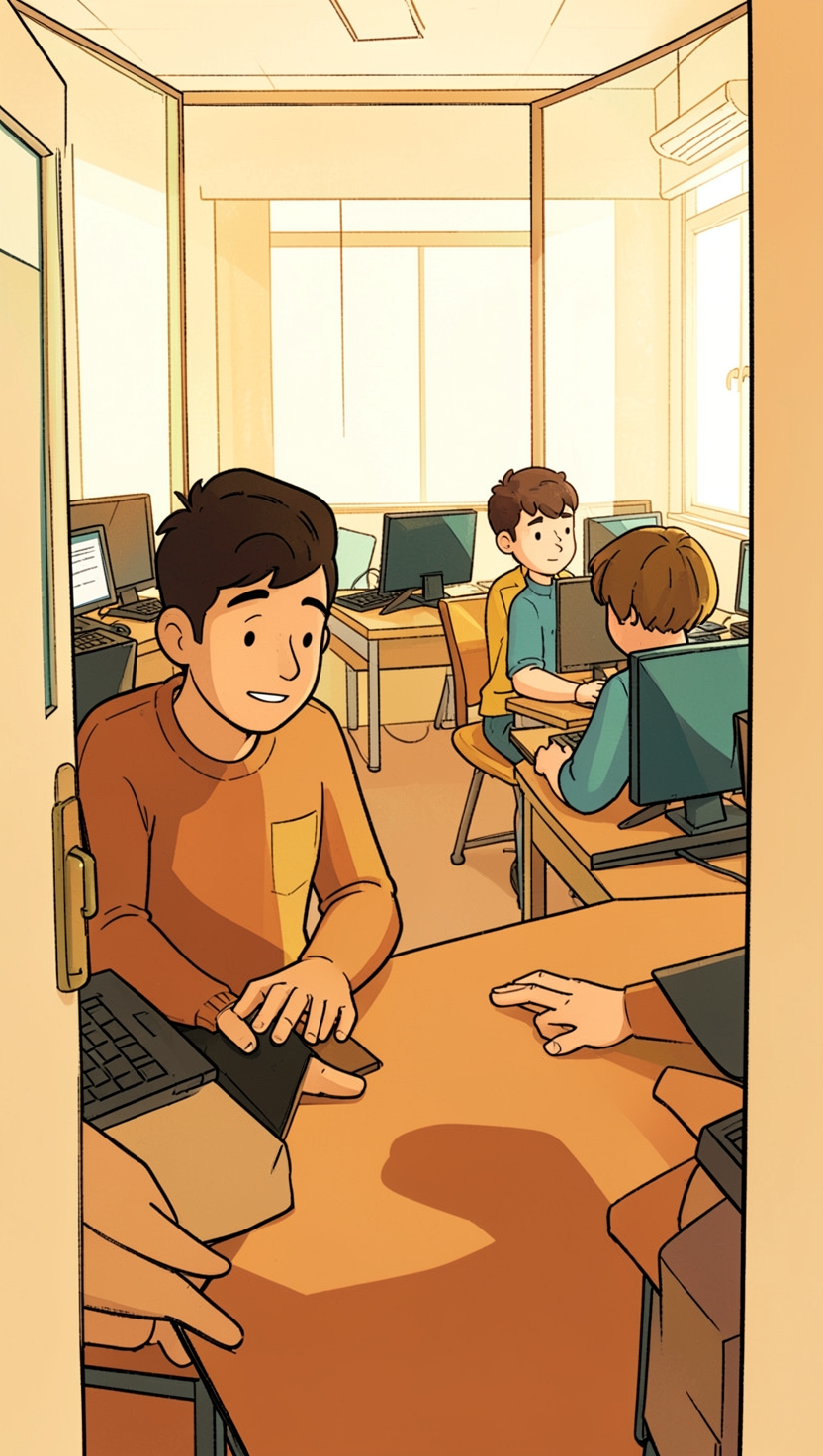
Why the switch changed hands
Here is the structural thing, and it is why we think this deserves a parent’s attention rather than a shrug.
The AI controls parents have learned about over the past year mostly live with the parent. You link an account, you set quiet hours, you pick what the tool may do. Anthropic went the other way entirely: its Claude for Teachers offering, launched on 14 July 2026, is “for educators only, consistent with Claude’s 18-and-over policy”, and is not built for students to use directly. The adult in the room is the route.
Google’s route is different. The child gets the tool directly, and the gate is an administrator’s checkbox in a console the family will never see. That is not a scandal, just a different design, and it means the honest answer to “does my child have AI at school” is no longer something you can work out from home.
In Singapore, the domain already exists
This is not abstract here. Students in the national school system are eligible for an MOE-issued Google account. Student iCON gives them an address at students.edu.sg, and MOE school pages describe Google Classroom running on it, with teachers creating classes, setting assignments and giving feedback through it from primary right up to junior college.
Parents agreed to that. Gong Shang Primary’s page on MOE’s centrally provisioned digital tools states that “Every student will be eligible for an individualised email account”, describes it as a managed service built on Google, and sets out that consenting parents allow MOE to pass their child’s personal data to the tool providers. Families who opt out are pointed to the Student Learning Space instead.
So the plumbing is in place. What we could not establish, and we looked, is any public statement of what MOE has decided about this setting. We are not going to guess.
Everything MOE has said publicly points to its own tools rather than a lab’s. Its 6 May 2026 parliamentary reply describes Primary 4 to 6 pupils using AI built for education inside SLS, under teacher supervision, with the AI Learning Assistant given as the example. Secondary teachers may design tasks that use AI, with students required to state where they used it and cite sources. Where schools reach for commercial off-the-shelf tools, MOE says they “are required to check that the input data does not contain personal identifiable information and is in compliance with data management guidelines”. At the Committee of Supply debate on 3 March 2026, Minister of State Jasmin Lau framed the whole approach as learning about AI, learning to use AI, learning with AI, “and most importantly, learn beyond AI”.
The privacy promise is real, and it is not the whole question
Google’s admin documentation is specific: inside a Workspace for Education account, Gemini and Gemini Notebook are core services under the existing education terms, “data is not human reviewed or used to train AI models”, with support for compliance with COPPA and FERPA. The Gemini Apps help page for school accounts says chats and uploaded files “won’t be reviewed by human reviewers or otherwise used to improve generative AI models”. Under-18 accounts also get stricter content policies, and both tools come free with every Education edition.
Take that at face value. It answers the data question, which is the one schools ask.
It does not answer the learning question. Flashcards and practice quizzes are genuinely among the better things to do with a chatbot, because they make the child retrieve rather than read. A study guide is a different animal. It is the machine doing the compression, which is the part where the learning usually happens.
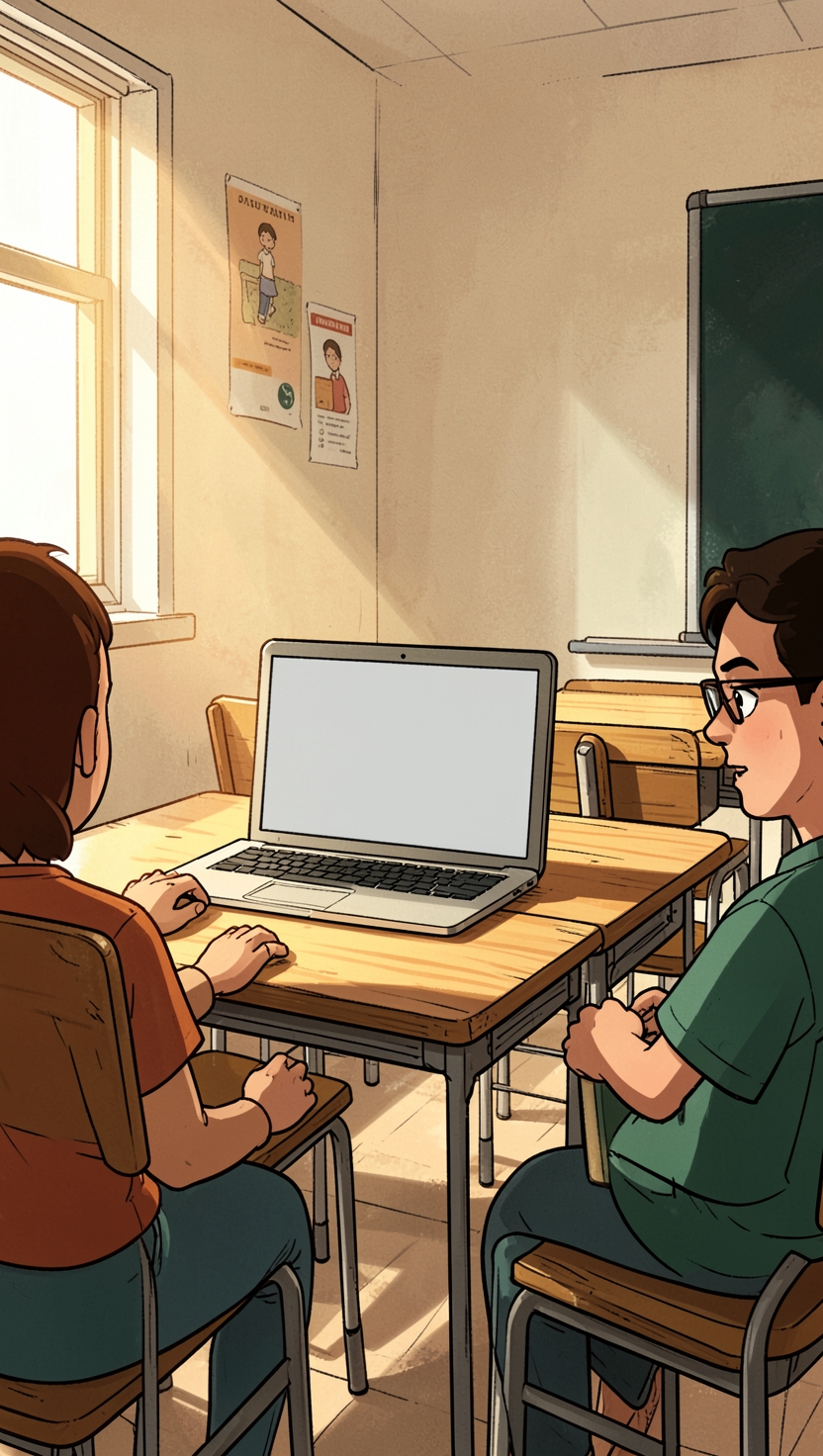
Three questions worth asking before the term settles
Ask the form teacher or the school’s ICT staff whether Gemini is switched on in the school’s Google Workspace for your child’s level. “We are checking” is a perfectly good answer this week.
Ask which account your child is signed into when they use AI for schoolwork. The rules, the data terms and the content filters on Student iCON are not the rules on a personal Google account, and children swap between them without noticing.
Then ask the one that actually predicts whether this helps: when your child opens it, do they end up answering questions or collecting answers? A switch flipped in an admin console decided whether the tool is there. Nobody in that console decided what it gets used for. That part is still yours.
Disclosure: Mentus AI builds an AI mentoring product for children, so we have a commercial interest in this subject. We have tried to report the change as it is.
Was this useful?
Sources
- Gemini in Google Classroom is expanding to users of all ages, with contextualized Gemini starter prompts for students · Google Workspace Updates
- Google AI: Gemini comes to Workspace for Education · Google
- Quickstart guide to Gemini and NotebookLM for Education · Google Workspace Admin Help
- Use Gemini Apps with a work or school Google Account · Gemini Apps Help
- Google is officially bringing Gemini in Classroom to students of all ages · Chrome Unboxed
- AI usage in schools (parliamentary reply, 6 May 2026) · Ministry of Education, Singapore
- MOE Committee of Supply Debate 2026 Response by Minister of State for Education Jasmin Lau · Ministry of Education, Singapore
- MOE's Centrally Provisioned Digital Tools · Gong Shang Primary School (MOE)
- Student iCON and Google Classroom: Common FAQ · De La Salle School (MOE)
- Claude for Teachers · Anthropic